When you are ready to deploy a different app to your Digital Ocean server, rather than deleting the Digital Ocean app, and creating a new one, we can just replace the code that is in the GitHub repository that is being deployed to Digital Ocean.
Create a Repo for Your New App
Open the project that you want to deploy in VSC. Then open the terminal and change your working directory to the directory containing your Vue application.
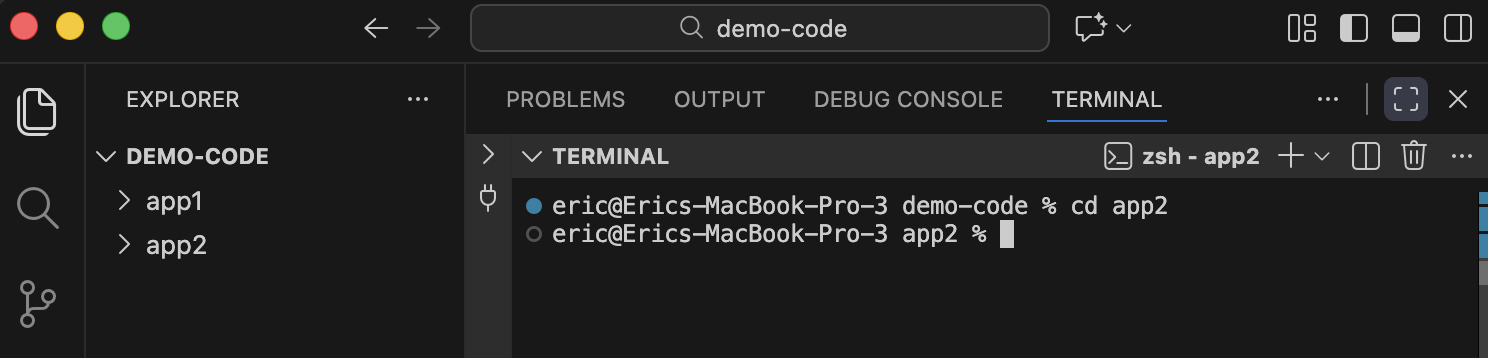
For example, I have 2 Vue projects in my demo-code directory. Each project has its own directory, app1 and app2. I open demo-code with VSC and then change my working directory to app2.
Now build your production code using the following command.
$ npm run build
The build command will create a directory named dist which contains index.html and the asset files.
Change your working directory to the new dist directory.
$ cd dist
Create a new Git repository inside dist that contains the contents of dist using the following commands.
$ git init
$ git add *
$ git commit -m 'creating production distribution'
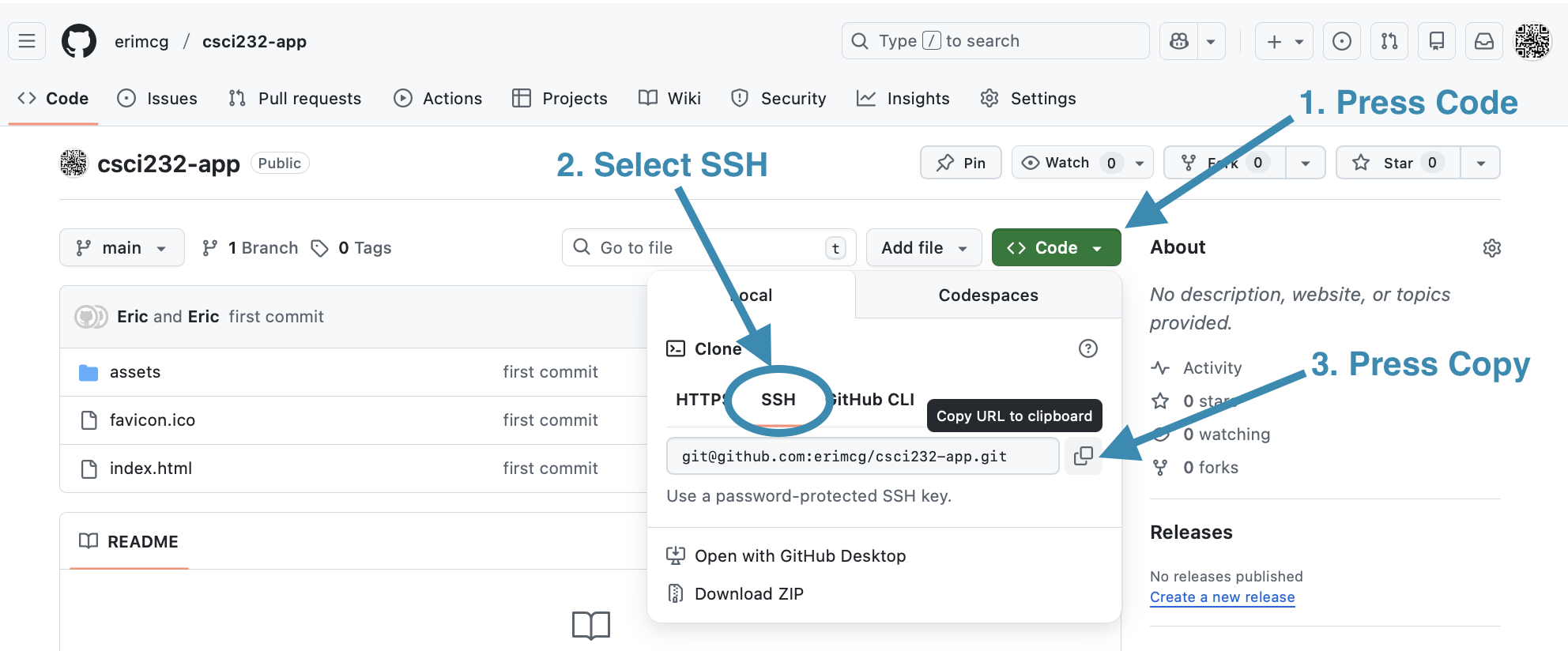
Now find the SSH path for your existing GitHub repository that you previously deployed to Digital Ocean. Navigate a browser to your repo’s page on GitHub. In the <>Code tab, press the green button labelled Code, select the SSH tab and press the copy button.
Now in VSC set your new repo’s remote named origin to your GitHub repository’s SSH path.
$ git remote add origin PASTE_YOUR_SSH_PATH_HERE
Set the branch and push your code to GitHub. The --force option overwrites what is currently in the GitHub repo.
$ git branch -M main
$ git push --force -u origin main
GitHub recognizes that the repo is used by Digital Ocean and will run a script to redeploy the code to Digital Ocean. If you navigate your browser to Digital Ocean you should see your app being rebuilt.
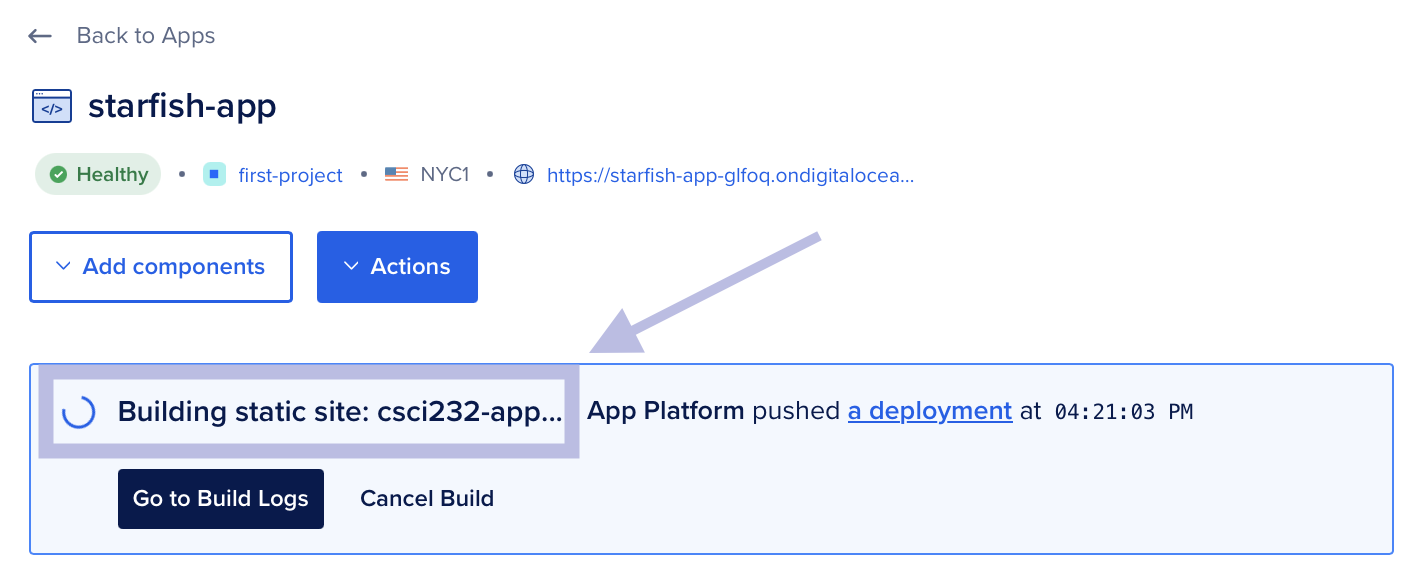
After Digital Ocean has rebuilt your app you should test your deployment by following the link provided by Digital Ocean.