In this tutorial I show you how to deploy an app to a server hosted by Digital Ocean.
Below I provide screenshots of my experience as I launched my demo app on DigitalOcean. If you have any problems throughout the process please let me know.
Create a DigitalOcean Account
Open a browser and navigate to Digital Ocean’s website. Click the Sign up button and create an account. After you enter your name, email address, and password, Digital Ocean will send you an email. Click on the link in the email.
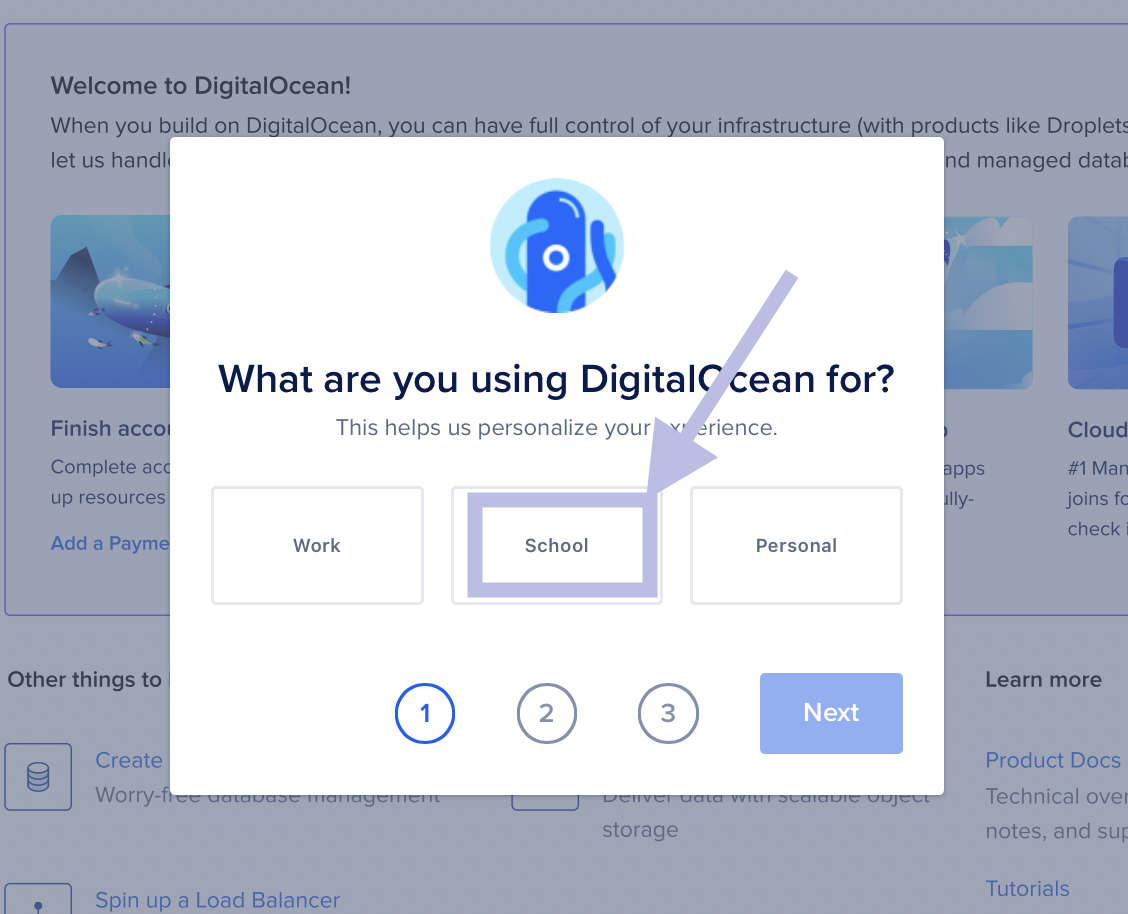
The link will direct you to a page that how you intend to use their services. Choose school and press Next.
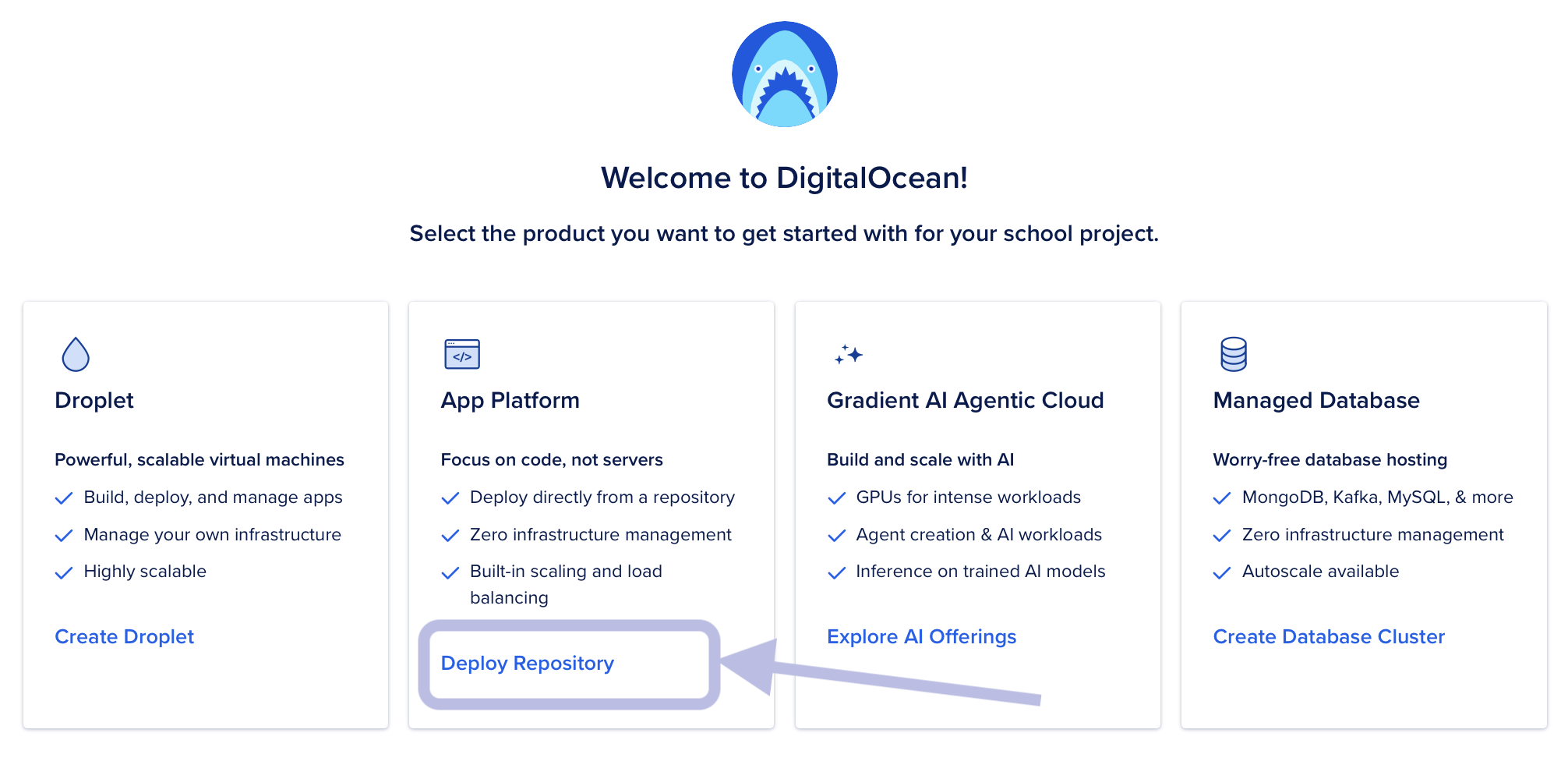
You will then be asked to select a product. Click Deploy Repository in the App Platform box.
Create an App
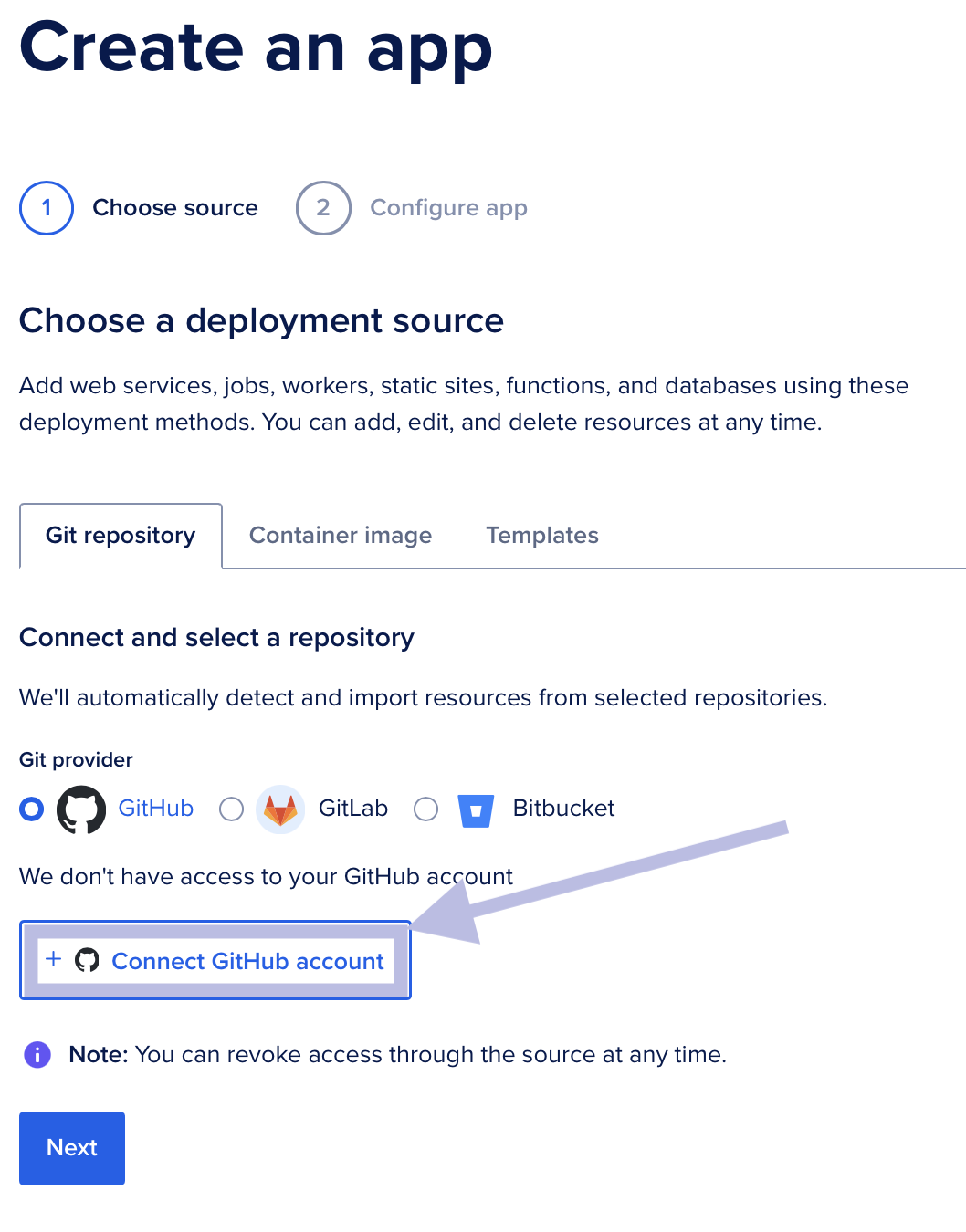
You will be redirected to a page similar to the one below. Choose Git repository for the deployment source and GitHub for the Git provider. Then press the Connect GitHub account button.
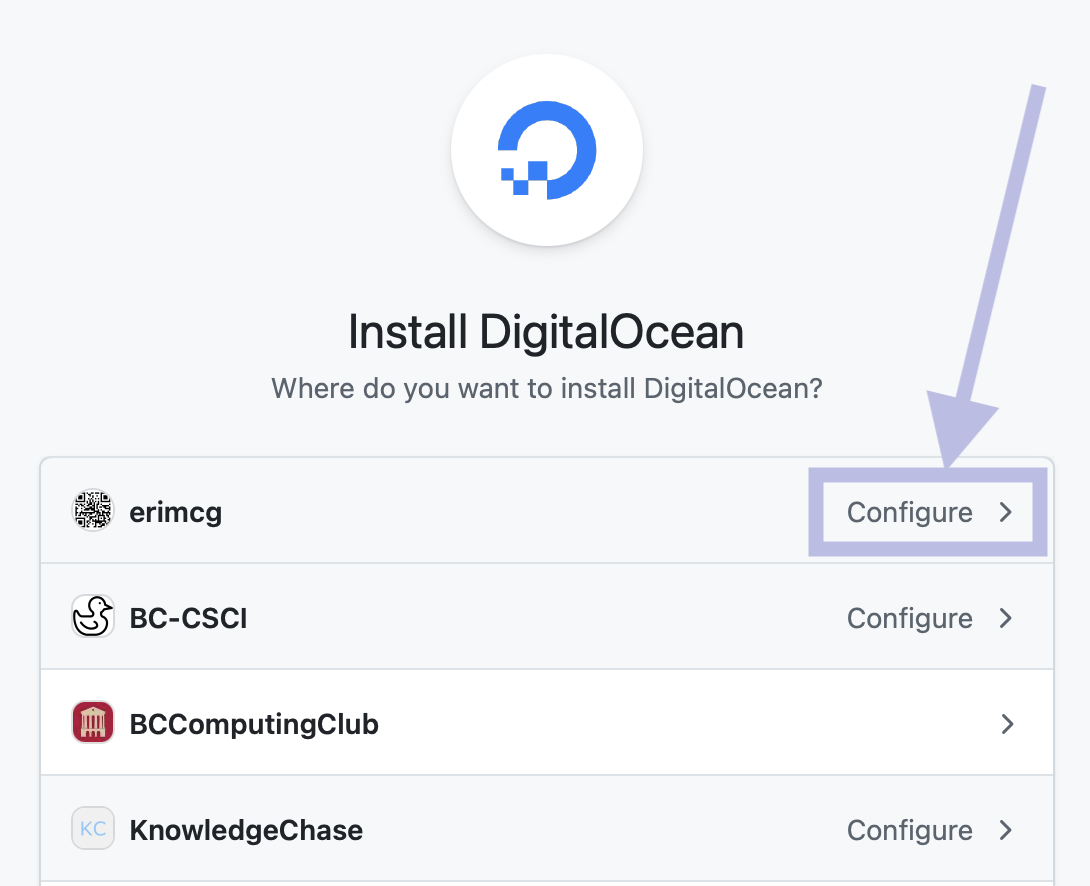
You will be redirected to a page similar to the one below. Click Configure next to your GitHub username.
You will be redirected to a GitHub page what will ask you to enter your password. Enter your password and press Confirm.
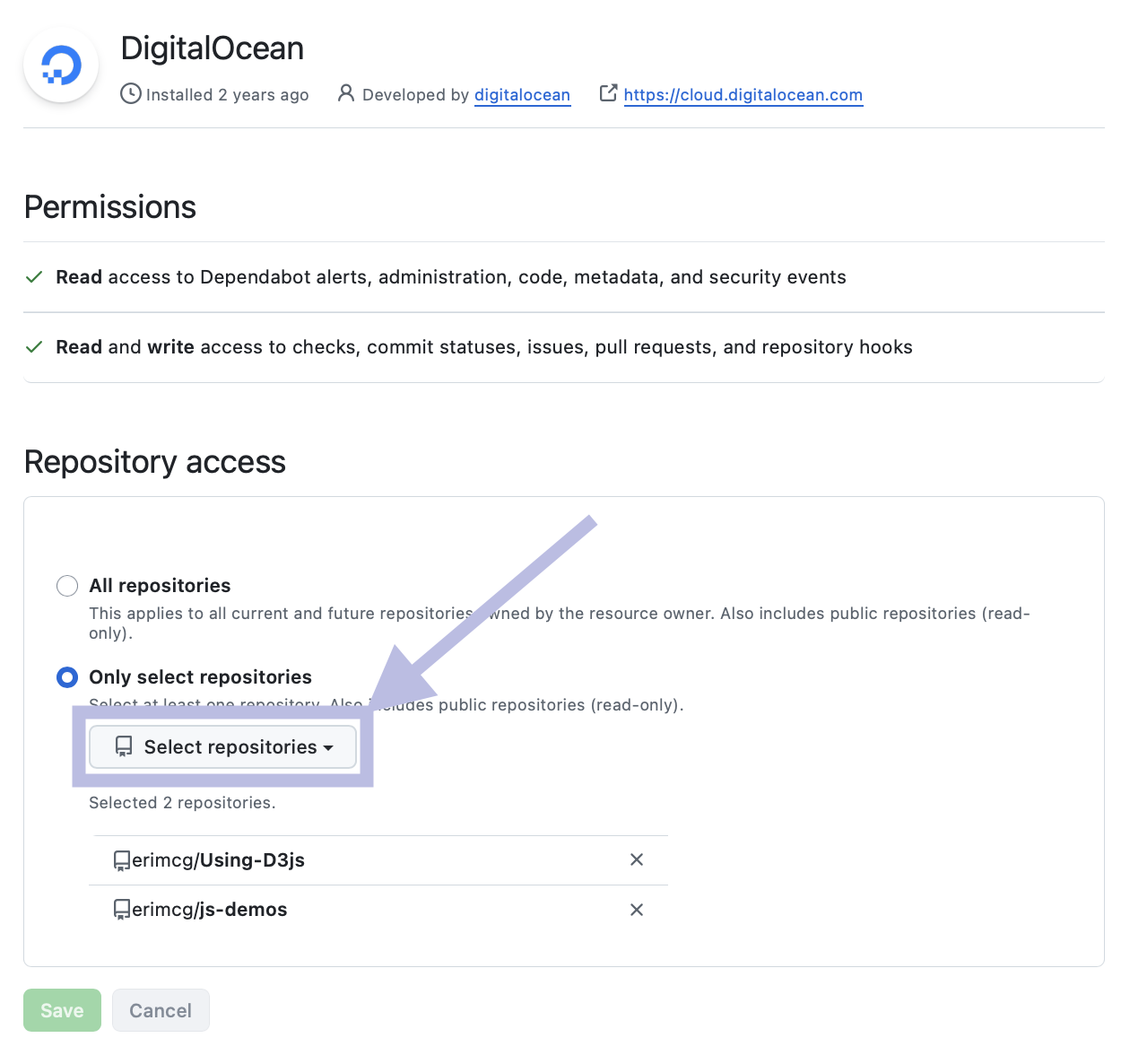
GitHub will redirect you to an Applications page. Under Repository access choose the directory from the drop-down menu that holds your production code and press Save.
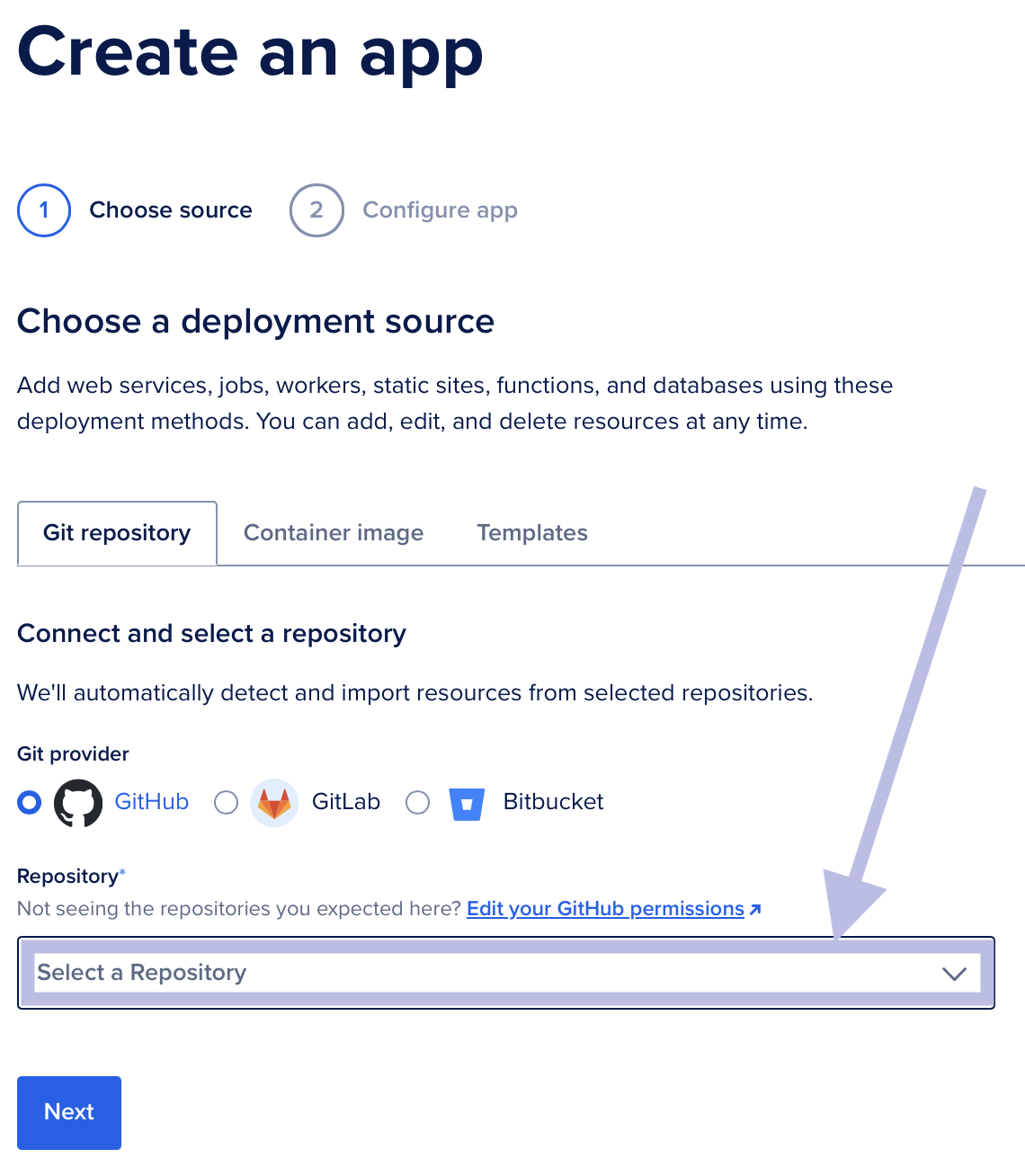
You be redirected back to the Digital Ocean website. Choose the repository in the drop-down menu labeled Select a Repository. Then press Next.
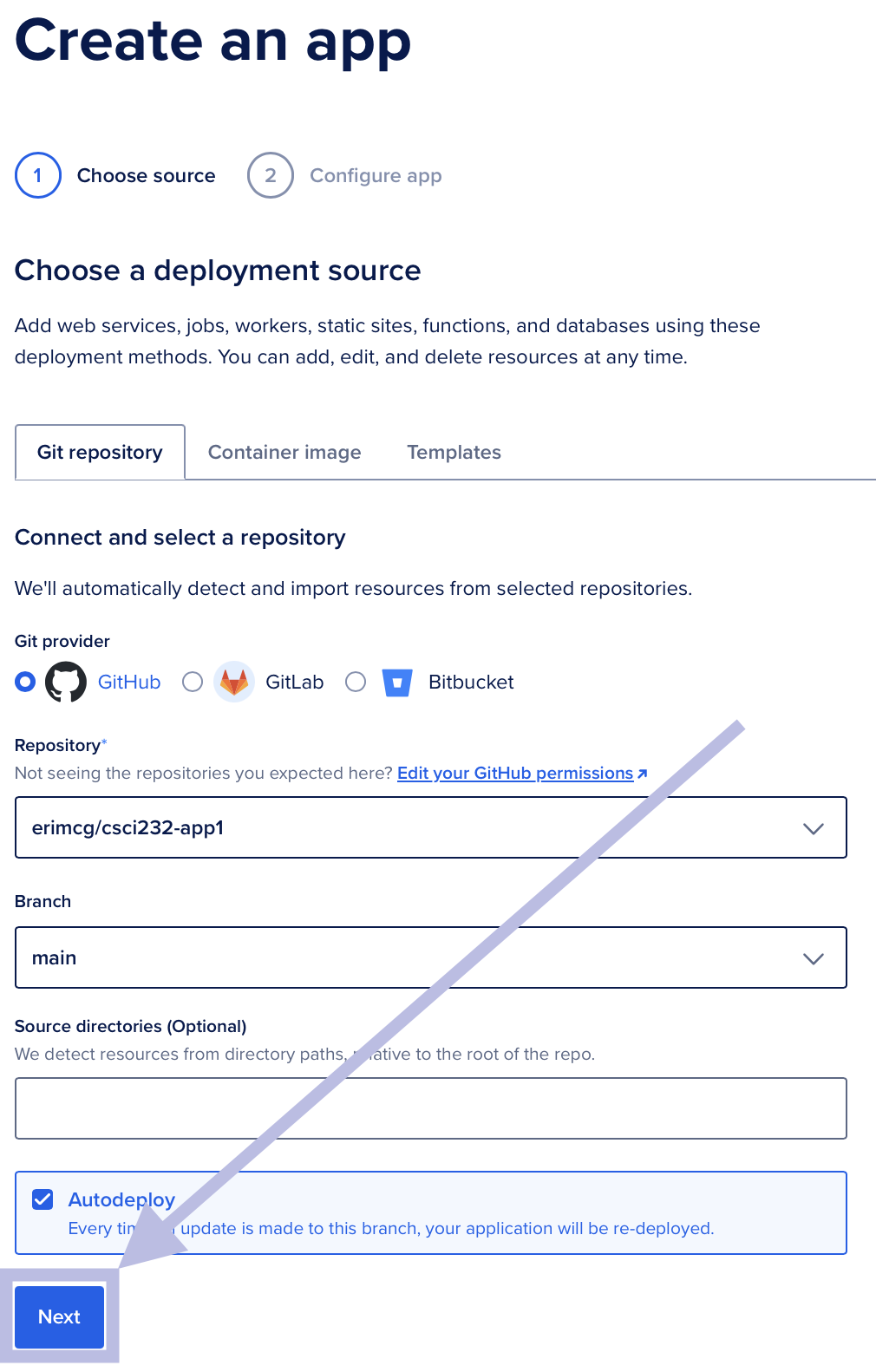
Leave the Branch set to main and leave the Source directories empty. Press Next.
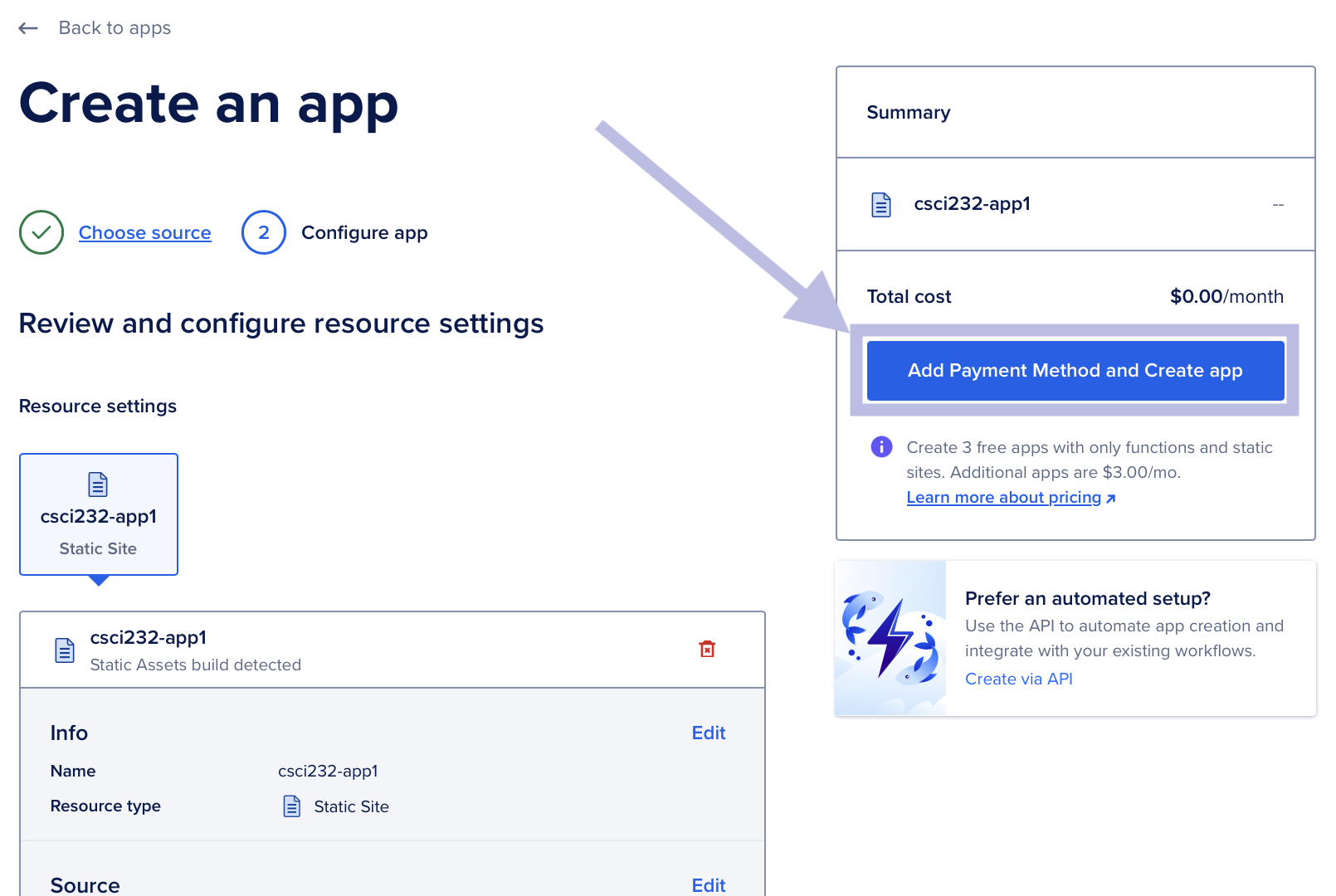
On the next page you will see the settings for your deployment. In the right-hand side it should specify Total cost $0.00/month. Press Add Payment Method and Create App and enter your credit card information.
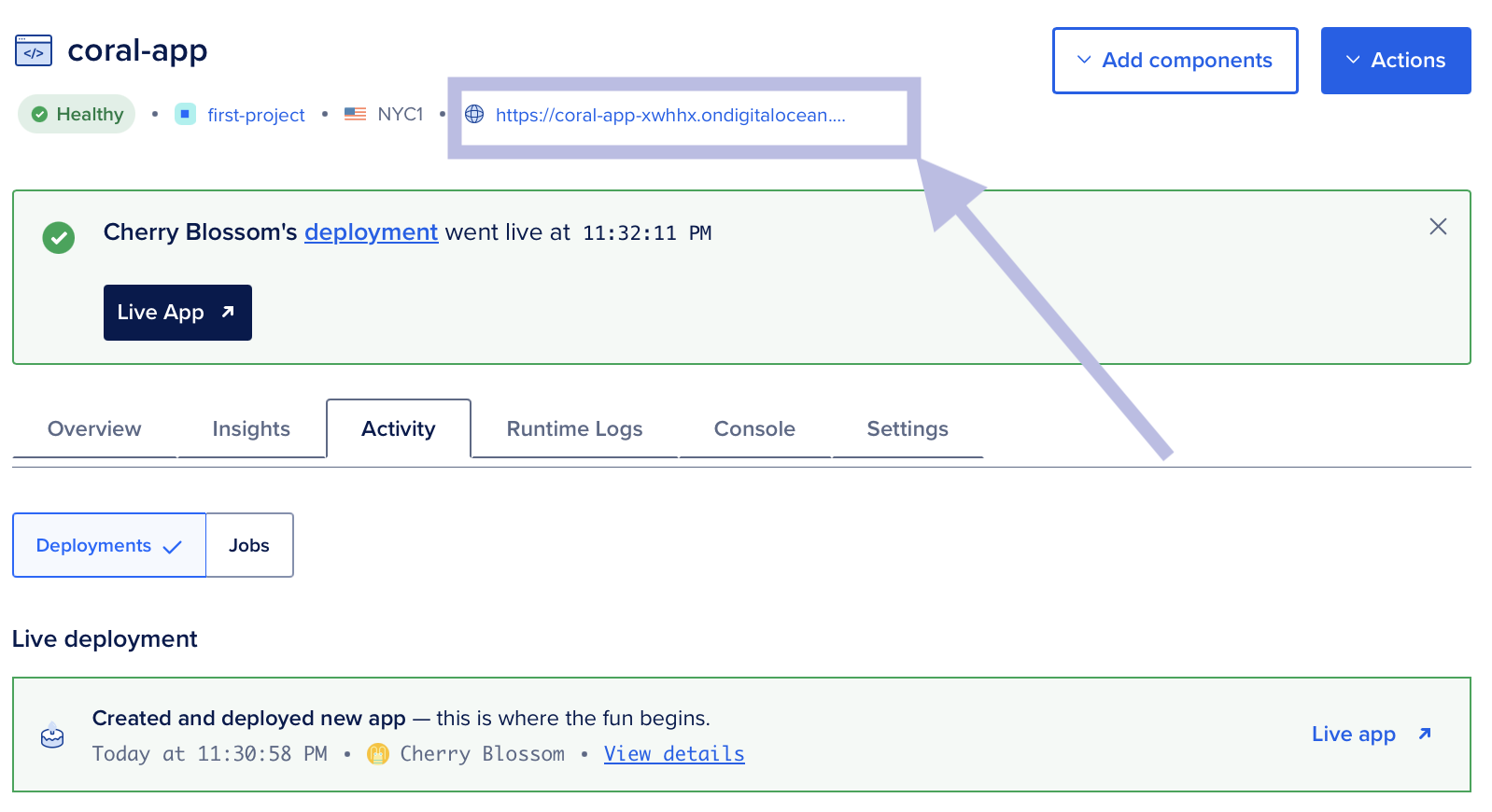
After your payment information is accepted, you will be directed to a page that shows your app is being deployed. After a few minutes you should see that your deployment went live with a link to your web app. Click on the link.
Email Your Instructor
After you’ve lauched your app on digitalocean.com, email your instructor the URL for your app.